
InputTables
Where SuperTables meets write-back
The Excel-like Power BI Extension.
Type directly into your SuperTable within Power BI, comment on cells, and add new columns using write-back capabilities. It has never been easier to start with write-back in Power BI with an Excel look and feel. Contact us to get started with this crossover of these products!


Premium Power BI Extensions: Better together.
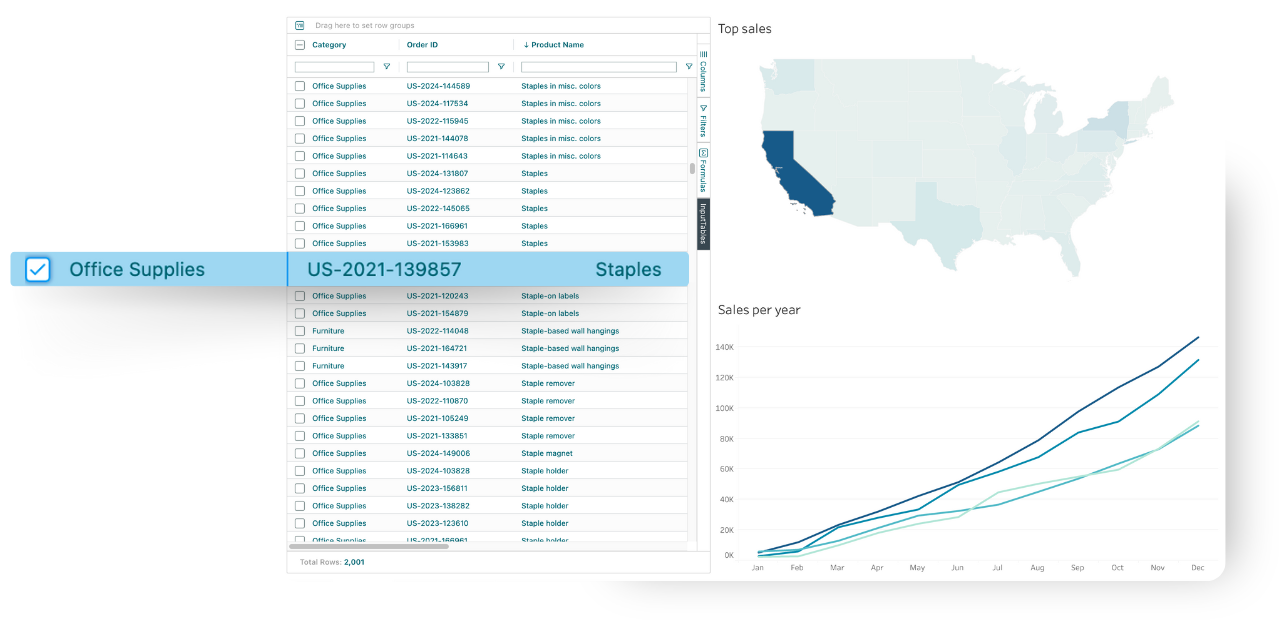
Manage Data Within Power BI.
Create and enter data directly into tables within Power BI, just like using a spreadsheet.
Combining the power of WriteBackExtreme and SuperTables, InputTables gives you the capability to add, edit, and manage records in real time, and all changes are stored as new tables in your database.
Build Any Use-Case.
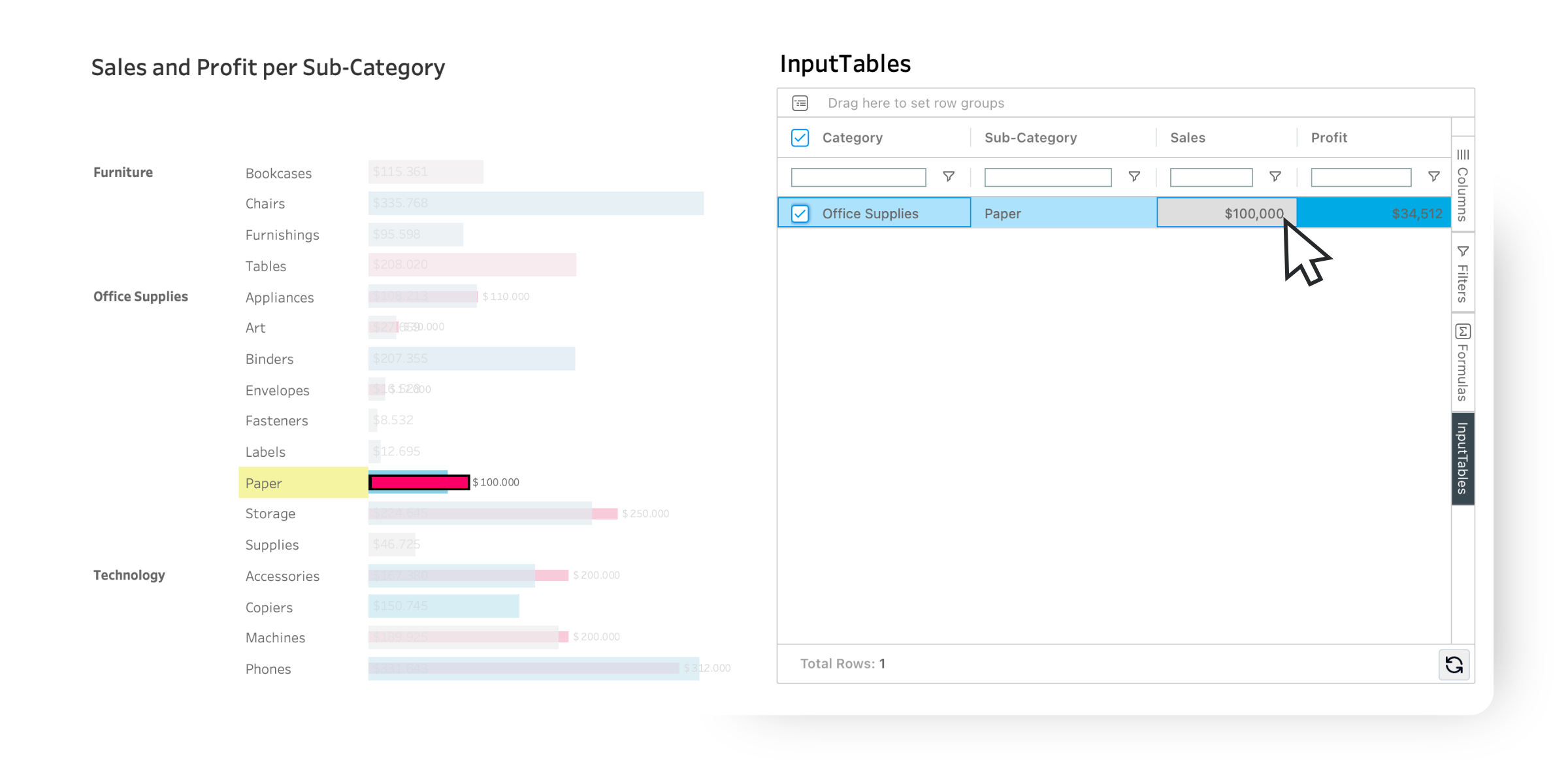
Input new data directly in Power BI and instantly see how it impacts your scenarios.
From forecasting and planning to data corrections and what-if analyses, InputTables gives you the flexibility to create and test any use case without leaving your dashboard.

“WriteBackExtreme gives us a very good advantage compared to competitors, as we can provide our customers with dashboards that have editing functionalities”
“I have over a thousand users, and we are still growing at a rapid pace. SuperTables has made it so much more accessible to people that are used to Excel and have raised their game for how they think about data and analytics at our company. Because it’s so easy to use, even savvy business users are able to incorporate it in a matter of minutes.”